Meljac North America: Automated Order-to-Cash Between Monday.com and QuickBooks Online
The Challenge
Meljac North America ran its entire order lifecycle in Monday.com and its entire financial record in QuickBooks Online, with nothing passing between the two automatically. Every invoice was rebuilt by hand, and every deposit and final payment was matched and recorded by hand, order by order.
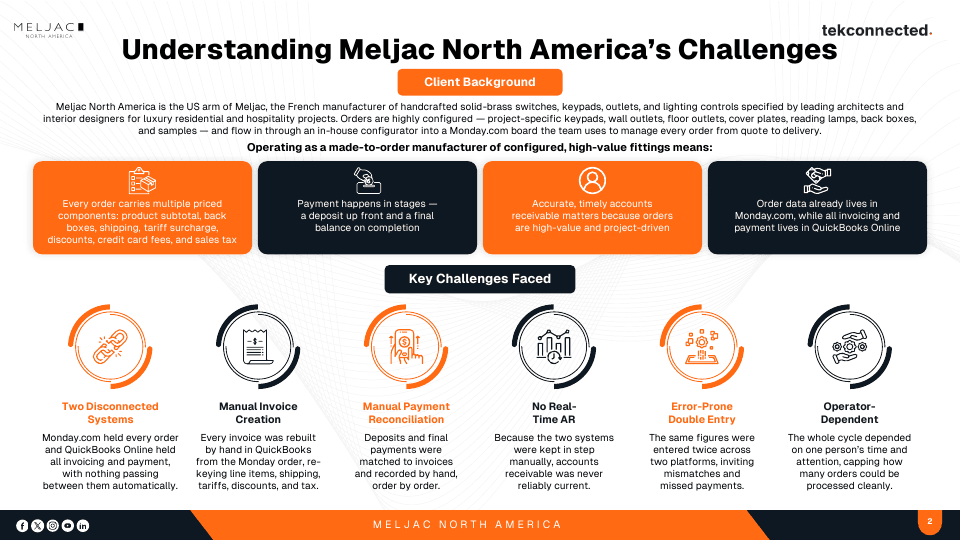
Meljac North America is the US arm of Meljac, the French manufacturer of handcrafted solid-brass switches, keypads, outlets, and lighting controls specified by leading architects and interior designers for luxury residential and hospitality projects. Orders are highly configured, covering project-specific keypads, wall outlets, floor outlets, cover plates, reading lamps, back boxes, and samples, and they flow in through an in-house configurator into a Monday.com board the team uses to manage every order from quote to delivery.
What Operating as a Made-to-Order Manufacturer Means
- Every order carries multiple priced components: product subtotal, back boxes, shipping, tariff surcharge, discounts, credit card fees, and sales tax
- Payment happens in stages, a deposit up front and a final balance on completion
- Accurate, timely accounts receivable matters because orders are high-value and project-driven
- Order data already lives in Monday.com, while all invoicing and payment lives in QuickBooks Online
Key Challenges Faced
- Two Disconnected Systems
- Monday.com held every order and QuickBooks Online held all invoicing and payment, with nothing passing between them automatically.
- Manual Invoice Creation
- Every invoice was rebuilt by hand in QuickBooks from the Monday order, re-keying line items, shipping, tariffs, discounts, and tax.
- Manual Payment Reconciliation
- Deposits and final payments were matched to invoices and recorded by hand, order by order.
- No Real-Time AR
- Because the two systems were kept in step manually, accounts receivable was never reliably current.
- Error-Prone Double Entry
- The same figures were entered twice across two platforms, inviting mismatches and missed payments.
- Operator-Dependent
- The whole cycle depended on one person's time and attention, capping how many orders could be processed cleanly.
The Solution
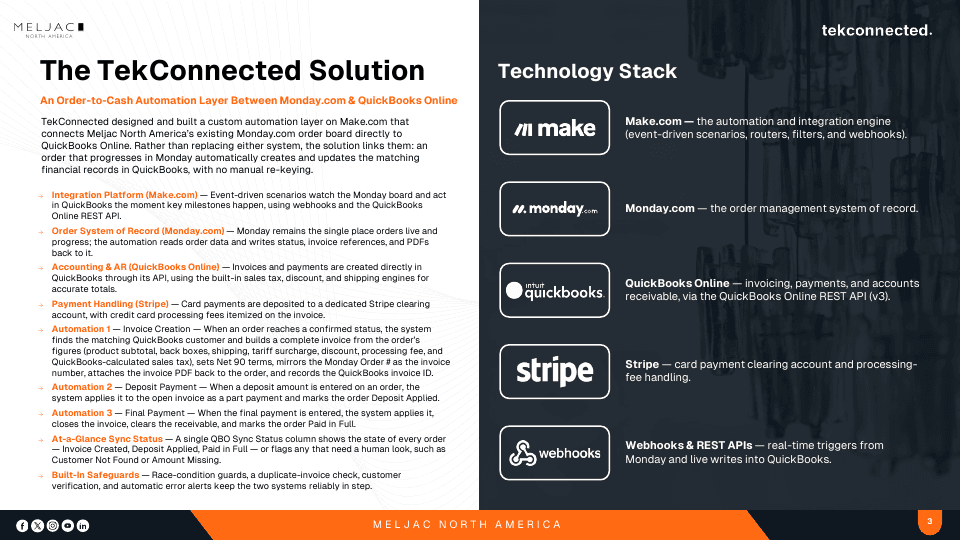
TekConnected designed and built a custom order-to-cash automation layer on Make.com that connects Meljac North America's existing Monday.com order board directly to QuickBooks Online. Rather than replacing either system, the solution links them: an order that progresses in Monday automatically creates and updates the matching financial records in QuickBooks, with no manual re-keying.
How It Works
- Integration Platform (Make.com)
- Event-driven scenarios watch the Monday board and act in QuickBooks the moment key milestones happen, using webhooks and the QuickBooks Online REST API.
- Order System of Record (Monday.com)
- Monday remains the single place orders live and progress. The automation reads order data and writes status, invoice references, and PDFs back to it.
- Accounting and AR (QuickBooks Online)
- Invoices and payments are created directly in QuickBooks through its API, using the built-in sales tax, discount, and shipping engines for accurate totals.
- Payment Handling (Stripe)
- Card payments are deposited to a dedicated Stripe clearing account, with credit card processing fees itemized on the invoice.
The Three Automations
- Automation 1: Invoice Creation
- When an order reaches a confirmed status, the system finds the matching QuickBooks customer and builds a complete invoice from the order's figures covering product subtotal, back boxes, shipping, tariff surcharge, discount, processing fee, and QuickBooks-calculated sales tax. It sets Net 30 terms, mirrors the Monday Order number as the invoice number, attaches the invoice PDF back to the order, and records the QuickBooks invoice ID.
- Automation 2: Deposit Payment
- When a deposit amount is entered on an order, the system applies it to the open invoice as a part payment and marks the order Deposit Applied.
- Automation 3: Final Payment
- When the final payment is entered, the system applies it, closes the invoice, clears the receivable, and marks the order Paid in Full.
Status Visibility and Safeguards
- At-a-Glance Sync Status
- A single QuickBooks Online Sync Status column shows the state of every order, from Invoice Created and Deposit Applied to Paid in Full, or flags any order needing a human look such as Customer Not Found or Amount Missing.
- Built-In Safeguards
- Race-condition guards, a duplicate-invoice check, customer verification, and automatic error alerts keep the two systems reliably in step.
Delivery
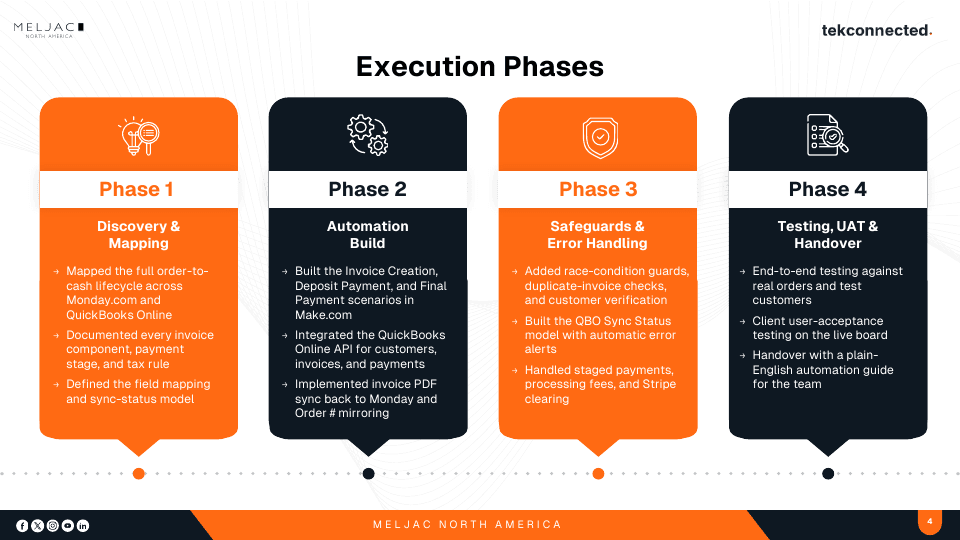
- Phase 1: Discovery and Mapping
- Mapped the full order-to-cash lifecycle across Monday.com and QuickBooks Online, documented every invoice component, payment stage, and tax rule, and defined the field mapping and sync-status model.
- Phase 2: Automation Build
- Built the Invoice Creation, Deposit Payment, and Final Payment scenarios in Make.com, integrated the QuickBooks Online API for customers, invoices, and payments, and implemented invoice PDF sync back to Monday with Order number mirroring.
- Phase 3: Safeguards and Error Handling
- Added race-condition guards, duplicate-invoice checks, and customer verification, built the sync-status model with automatic error alerts, and handled staged payments, processing fees, and Stripe clearing.
- Phase 4: Testing, UAT and Handover
- End-to-end testing against real orders and test customers, client user-acceptance testing on the live board, and handover with a plain-English automation guide for the team.
Technology Stack
Results & Outcomes
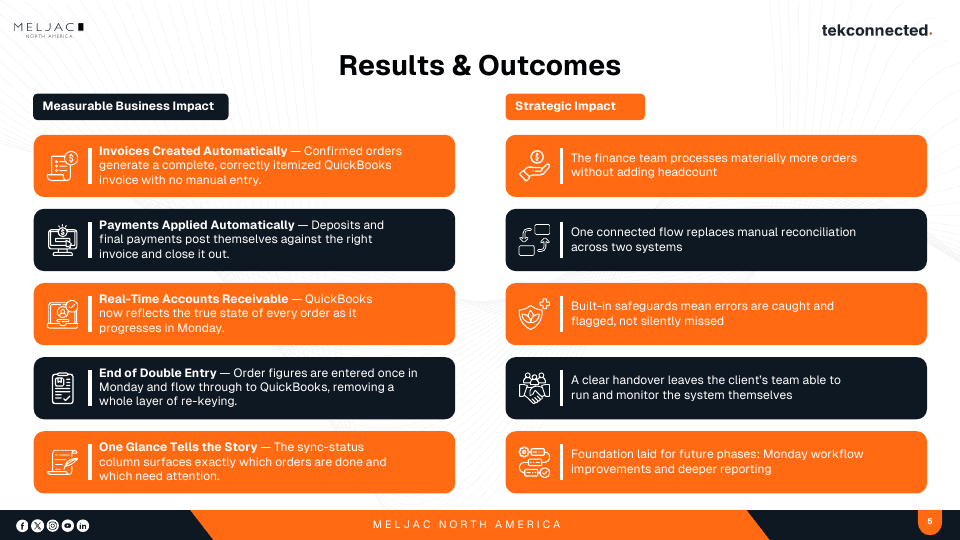
- Invoices Created Automatically
- Confirmed orders generate a complete, correctly itemized QuickBooks invoice with no manual entry.
- Payments Applied Automatically
- Deposits and final payments post themselves against the right invoice and close it out.
- Real-Time Accounts Receivable
- QuickBooks now reflects the true state of every order as it progresses in Monday.com.
- End of Double Entry
- Order figures are entered once in Monday.com and flow through to QuickBooks, removing a whole layer of re-keying.
- One Glance Tells the Story
- The sync-status column surfaces exactly which orders are done and which need attention.
Strategic Impact
- The finance team processes materially more orders without adding headcount.
- One connected flow replaces manual reconciliation across two systems.
- Built-in safeguards mean errors are caught and flagged, not silently missed.
- A clear handover leaves the client’s team able to run and monitor the system themselves.
- Foundation laid for future phases: Monday.com workflow improvements and deeper reporting.
Who This Applies To
This build pattern fits an organisation that:
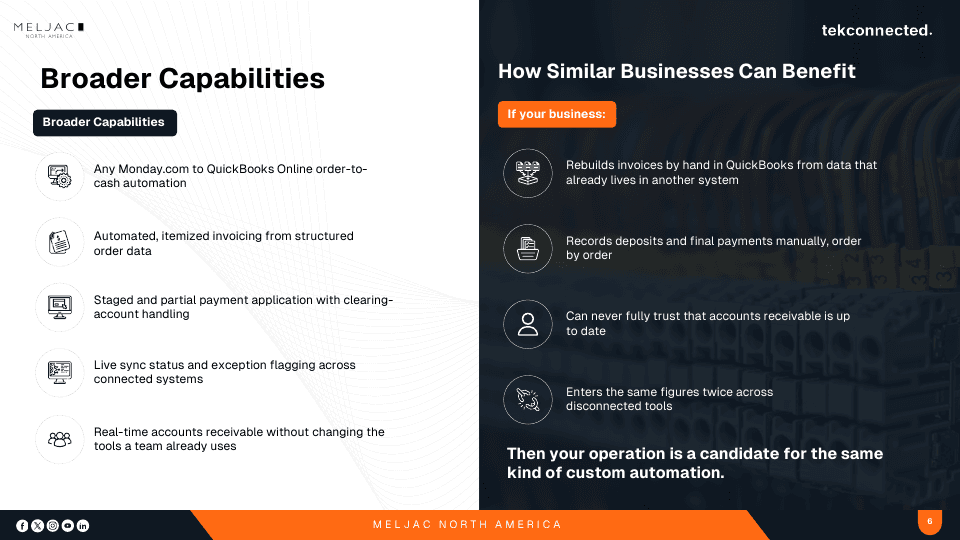
- Rebuilds invoices by hand in QuickBooks from data that already lives in another system
- Records deposits and final payments manually, order by order
- Can never fully trust that accounts receivable is up to date
- Enters the same figures twice across disconnected tools